
Download IG logo Vector — PNG, SVG, AI
📦 File Details
- Formats: PNG (transparent), SVG, AI, EPS, PDF
- Dimensions: 2000 × 1200 px (vector scalable)
- File Size: ≈ 450 KB
- License: Free for Personal / Editorial Use — not for commercial resale
- Uploaded By: VectorSources Team
The Instagram IG logo is one of the most recognizable digital symbols in the world. From influencers and creators to brands and designers, the IG logo plays a major role in modern visual communication. Whether you’re working on a website, social media banner, mobile UI, or a branding project, having access to the Instagram logo in high-quality SVG, PNG, AI, EPS, and PDF formats ensures clean, professional design output.
In this guide, you’ll learn the meaning behind the IG logo, its evolution, file formats, usage rights, and where to safely download the vector version for personal or educational use.
About the Instagram Logo
Instagram launched in 2010 with a vintage brown camera-style logo. Over the years, the company transformed the logo into a clean, modern design that reflects creativity, simplicity, and digital culture.
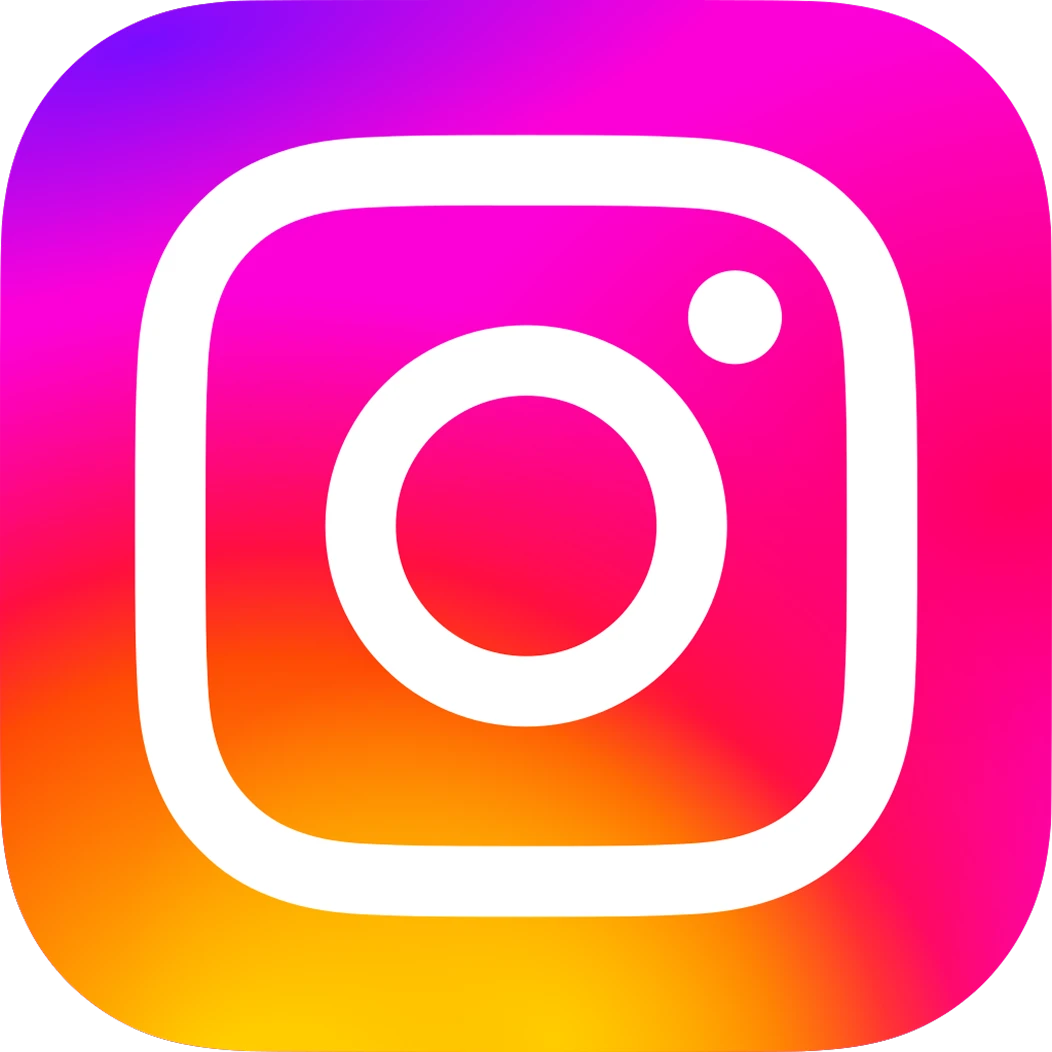
The current IG logo features:
- A minimal, rounded square
- Smooth, gradient background (pink–orange–yellow–purple)
- A simple white camera outline
This combination represents creativity, positivity, and community, three of Instagram’s core values.
Design Meaning & Symbolism
1. Gradient Colors
The multicolor gradient symbolizes creativity, diversity, and expression. It also helps the logo stand out on app screens and social media dashboards.
2. Rounded Square Shape
The rounded square represents friendliness and approachability. It also references the old instant cameras on which Instagram’s original concept was based.
3. Minimal Camera Icon
The white line camera is simple, clean, and scalable making it effective on any screen size or resolution.
Together, these elements create a youthful, digital-friendly logo that instantly communicates Instagram’s identity.
Instagram Logo File Formats Explained
When downloading the Instagram (IG) logo, you’ll find multiple formats based on your design needs:
| Format | Best Use Case | Features |
| SVG | Web, mobile UI, Figma | Fully scalable, editable paths |
| PNG | Social media, posters, thumbnails | Transparent background, high-quality |
| EPS | Large-format graphics | Works with Illustrator & CorelDRAW |
| Sharing, presentations | Universal compatibility |
Usage Rights & Licensing
The Instagram logo is a registered trademark owned by Meta Platforms Inc.
You are allowed to:
Use it for personal, educational, or editorial projects
Not allowed to modify the logo
Not allowed to use it for commercial branding without permission
Not allowed to create products for sale using the IG logo
Always follow Instagram’s official brand guidelines when using the logo in your designs.
How to Download Instagram Logo Files
You can download the official Instagram logo in SVG, PNG, AI, EPS, and PDF formats from trusted vector repositories like VectorSources and other design resource platforms.
Steps to Download:
- Scroll to the download section or visit the official IG Logo Vector page.
- Choose your preferred format (SVG, PNG, AI, EPS, PDF).
- Click Download Now to get the ZIP file.
- Extract and open it in Figma, Illustrator, Photoshop, or Canva.
Download Pack Includes:
- Instagram icon (original gradient version)
- Minimal line version (white/black)
- Circle icon variant
- Transparent PNG
- Editable AI, EPS, and SVG files
- Trusted Sources for IG Logo Files
Use only reputable websites to download vector files safely:
- VectorSources.com
- Figma Community
- Freepik / Vecteezy
- Wikimedia Commons (editorial use)
Avoid random websites that offer “Instagram gradient logo AI free” without licensing details this may violate trademark rules.
Design Tips for Using the IG Logo
If you’re using the Instagram logo in your design project, keep these tips in mind:
1. Maintain Original Colors
The gradient is a key part of the brand identity. Don’t replace it with random colors unless using monotone/white versions approved by brand guidelines.
2. Use High-Resolution Vectors
Avoid stretched or pixelated versions especially for banners and app designs.
3. Keep Clear Space
Instagram recommends leaving enough padding around the logo to maintain readability.
4. Pair With Modern Fonts
For promotional banners, pair the logo with clean sans-serif fonts to match Instagram’s modern style.
Related Social Media Logo Downloads
If you’re building a collection of social media assets, check out these vector downloads as well:
- Facebook Logo Vector
- TikTok Logo Vector
- YouTube Play Button Vector
- Twitter/X Logo Vector
- WhatsApp Logo Vector
All available in high-quality vector and transparent PNG formats.
Frequently Asked Questions (FAQs)
1. Can I use the IG logo on my website?
Yes, for linking to your Instagram profile, as long as you follow brand usage rules.
2. Which is the best format for editing?
SVG or both are fully editable.
3. Can I recolor the Instagram logo?
No, unless you’re using an officially approved monochrome version.
4. Is the Instagram logo free to download?
Yes, but it comes with trademark restrictions.
Conclusion
The Instagram (IG) logo is a powerful symbol of creativity and digital expression. Whether you’re a designer, student, or creator, having the official logo in SVG, PNG, AI, EPS, and PDF formats ensures your projects look polished and professional. Download the high-quality files, follow the usage guidelines, and create visually appealing content with confidence.